Basic Usage
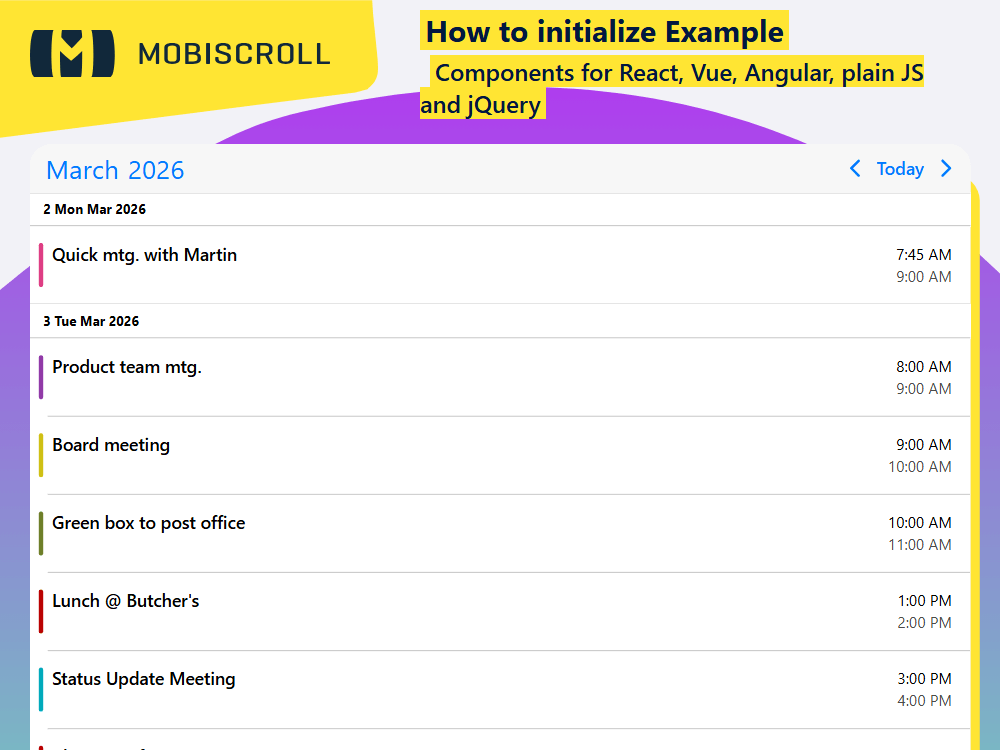
Initialize the agenda on any div by simply calling the mobiscroll.eventcalendar('#myDiv'); function. You can pass the options as an object: ... .eventcalendar('#myDiv', { theme: 'ios', view: { agenda: {type: 'month' } } });
The events can be passed in a couple of different ways. In this example we are loading them through an external API.
Interested to learn about the calendar view? Learn how to set up the range the agenda covers →
Demo
html<div id="agenda"></div>
jsmobiscroll.eventcalendar('#agenda', {
view: {
agenda: { type: 'month' }
},
theme: '
JSHTML
mobiscroll.setOptions({
  locale:  ,
  theme: ' ',
  themeVariant: ' ',
});

var inst = mobiscroll.eventcalendar('#demo-basic-agenda', {
  view: {
    agenda: { type: 'month' },
  },
  onEventClick: function (args) {
    mobiscroll.toast({
      message: args.event.title,
    });
  },
});

mobiscroll.getJson(
  'https://trial.mobiscroll.com/events/?vers=5',
  function (events) {
    inst.setEvents(events);
  },
  'jsonp',
);
<div id="demo-basic-agenda"></div>