Basic Usage
Use the <mbsc-eventcalendar> component and pass all the necessary options as attributes, like [theme]="ios".
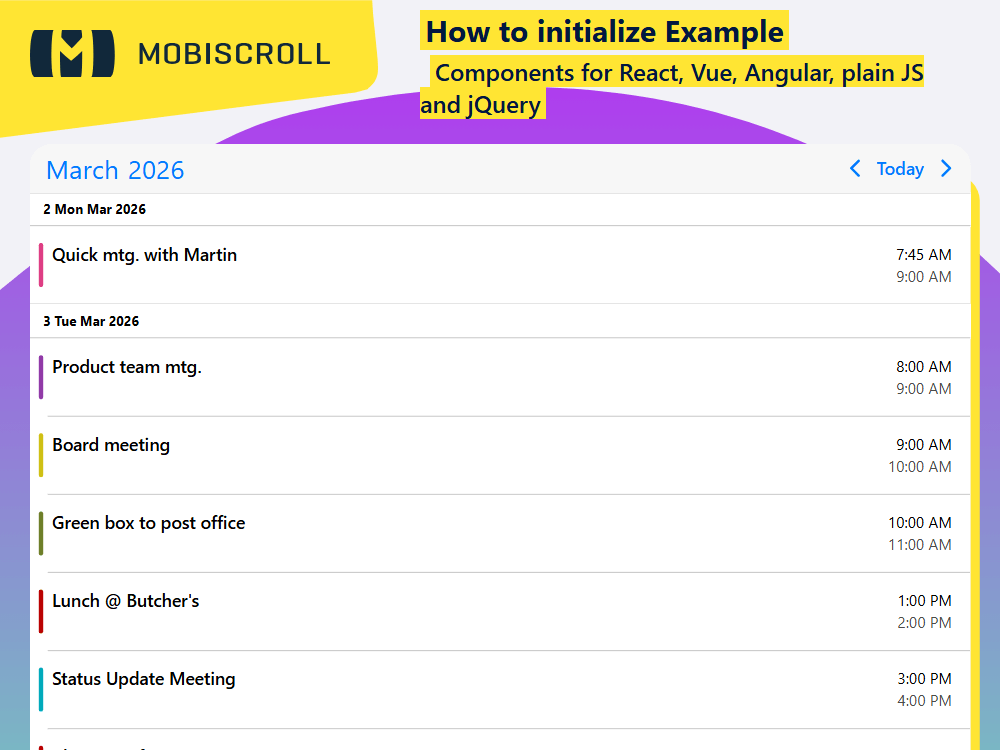
The events can be passed in a couple of different ways. In this example we are loading them through an external API.
Interested to learn about the calendar view? Learn how to set up the range the agenda covers →
Demo
html<mbsc-eventcalendar
[view]="view"
theme="
tsview = {
    agenda: { type: 'month' }
};

ngOnInit() {
    this.http.jsonp('//trial.mobiscroll.com/events/?vers=5', 'callback').subscribe((resp: any) => {
        this.events = resp;
    });
}
ComponentTemplate
import { CommonModule } from '@angular/common';
import { HttpClient } from '@angular/common/http';
import { AfterViewInit, Component } from '@angular/core';
import {
  MbscCalendarEvent,
  MbscEventcalendarView,
  MbscEventClickEvent,
  MbscModule,
  Notifications,
  setOptions ,
} from '@mobiscroll/angular';

setOptions({
  locale:  ,
  theme: ' ',
  themeVariant: ' '
});

@Component({
  selector: 'app-root',
  templateUrl: './app.component.html',
  providers: [Notifications],
  standalone: true,
  imports: [CommonModule, MbscModule],
})
export class AppComponent implements AfterViewInit {
  constructor(
    private http: HttpClient,
    private notify: Notifications,
  ) {}

  myEvents: MbscCalendarEvent[] = [];

  myView: MbscEventcalendarView = { agenda: { type: 'month' } };

  onEventClick(args: MbscEventClickEvent): void {
    this.notify.toast({
      message: args.event.title,
    });
  }

  ngAfterViewInit(): void {
    this.http.jsonp<MbscCalendarEvent[]>('https://trial.mobiscroll.com/events/?vers=5', 'callback').subscribe((resp) => {
      this.myEvents = resp;
    });
  }
}
<mbsc-eventcalendar [data]="myEvents" [view]="myView" (onEventClick)="onEventClick($event)"></mbsc-eventcalendar>