


















JavaScript Scheduler

Updated on Oct 30, 2026

JavaScript Scheduler Component for Resource Planning

Build interactive scheduling interfaces for appointments, shifts, jobs and shared resources. Configure the time grid, resource columns and drag-and-drop behavior around your application's workflows and data.

Loading the live demo...

Use it in plain JavaScript websites or bundled applications without adopting a frontend framework.

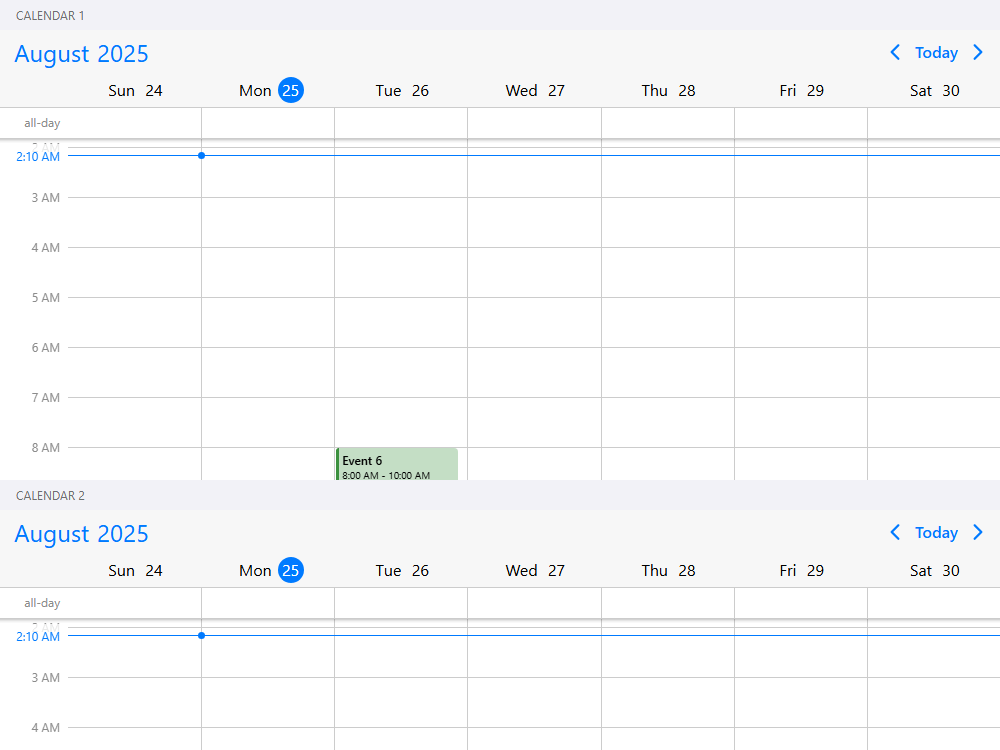
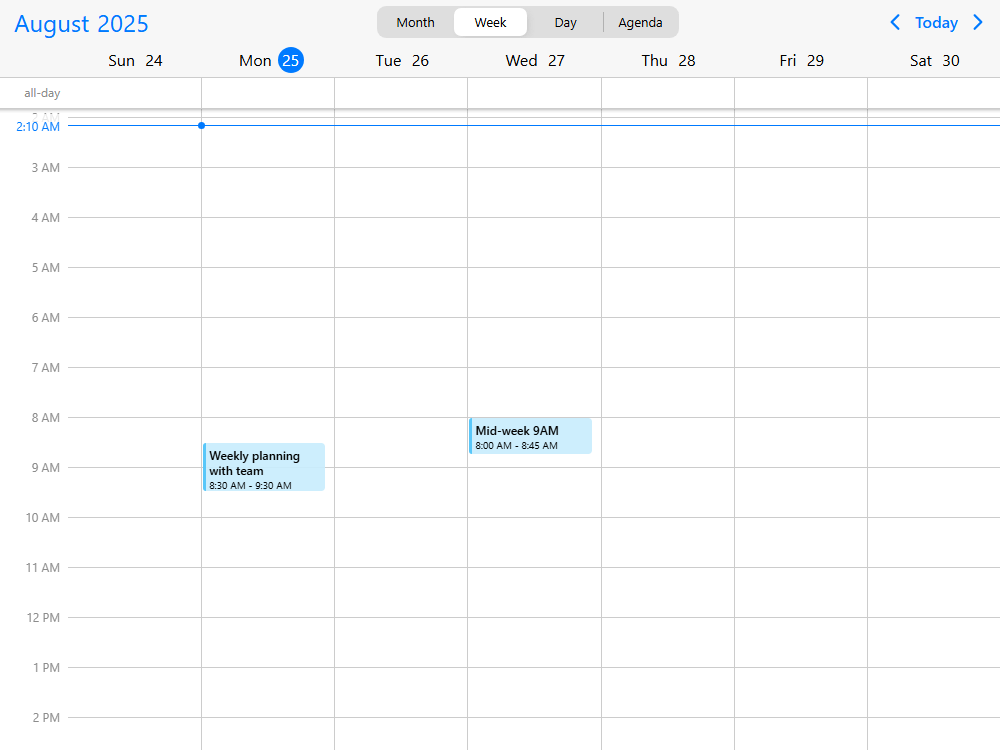
The Mobiscroll Scheduler displays events against a vertical scale of hours, optionally grouped into resource columns. It is configured through the Mobiscroll Eventcalendar API and supports daily, weekly and monthly layouts. Use its UI building blocks to create the scheduling experience your application needs, rather than adopting a predefined scheduling workflow.

  • StableSecretary logo
  • ServiceTitan logo
  • JLL logo
  • Telstra Health logo
  • Zucchetti logo
  • Yardi logo
  • Verisure logo
  • Tebra logo
  • Planon logo
  • Litmos logo
  • Hays logo
  • ConnectWise logo
  • SpotMe logo
  • A.WFM logo
  • Ad Astra Information Systems logo
  • Alobees logo
  • Arbox logo
  • Arryved logo
  • Artist Growth logo
  • Asolvi logo

Scheduler highlights

  • Configurable scheduling views

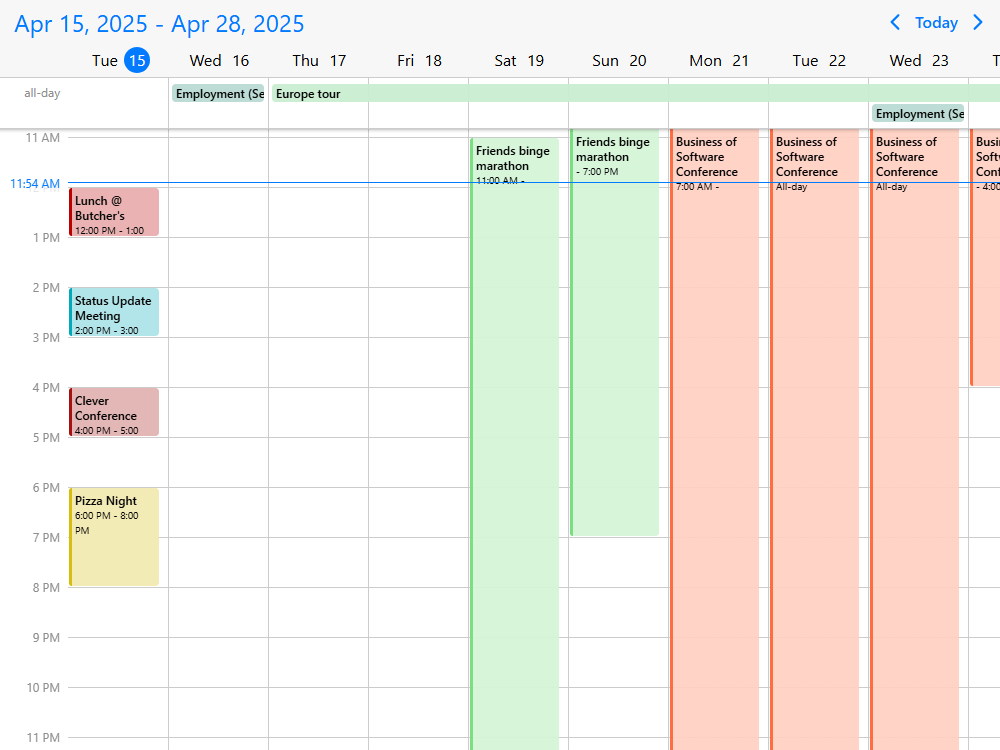
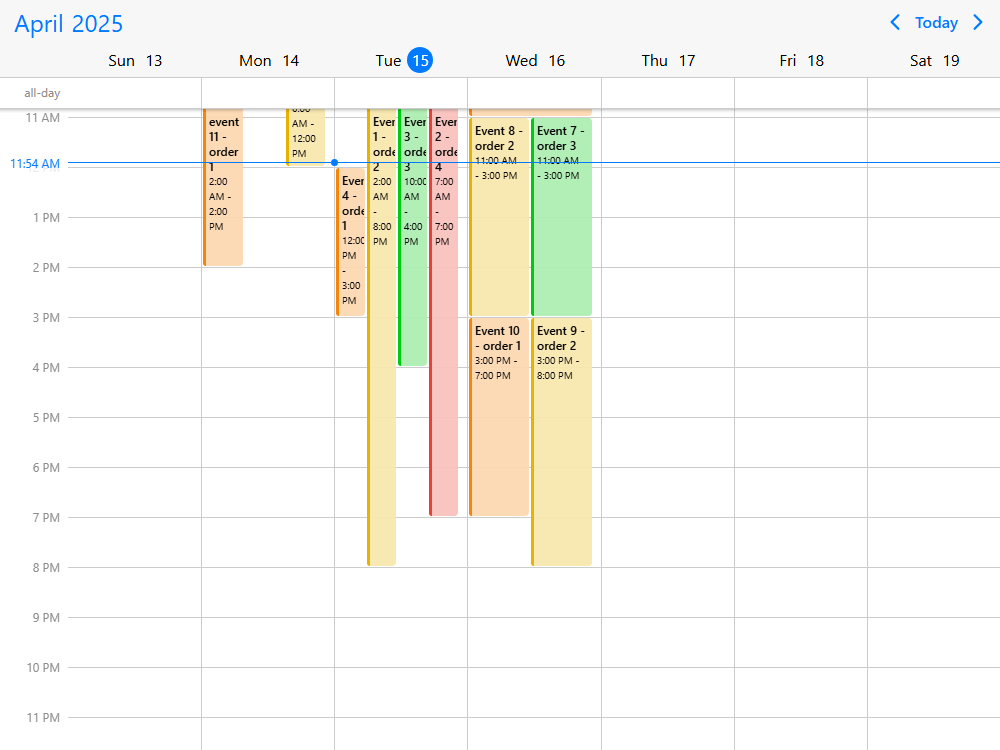
    Choose the days, hours and time intervals that make sense for your users. Combine a Scheduler with a month calendar or an agenda when the workflow needs another perspective.

  • Multiple resources per event

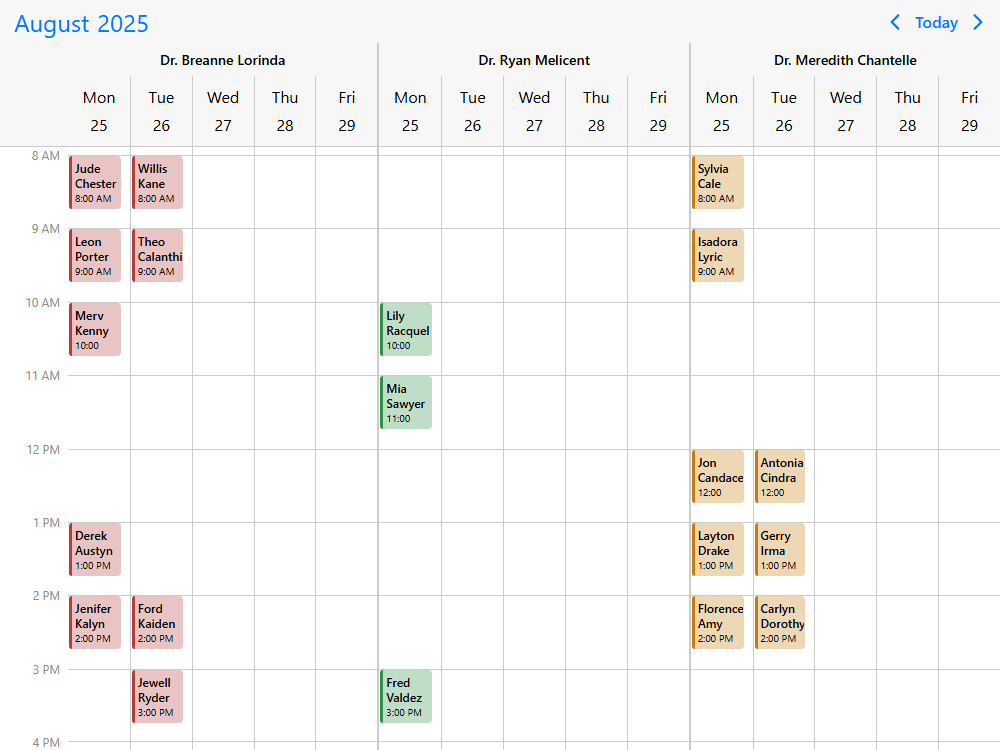
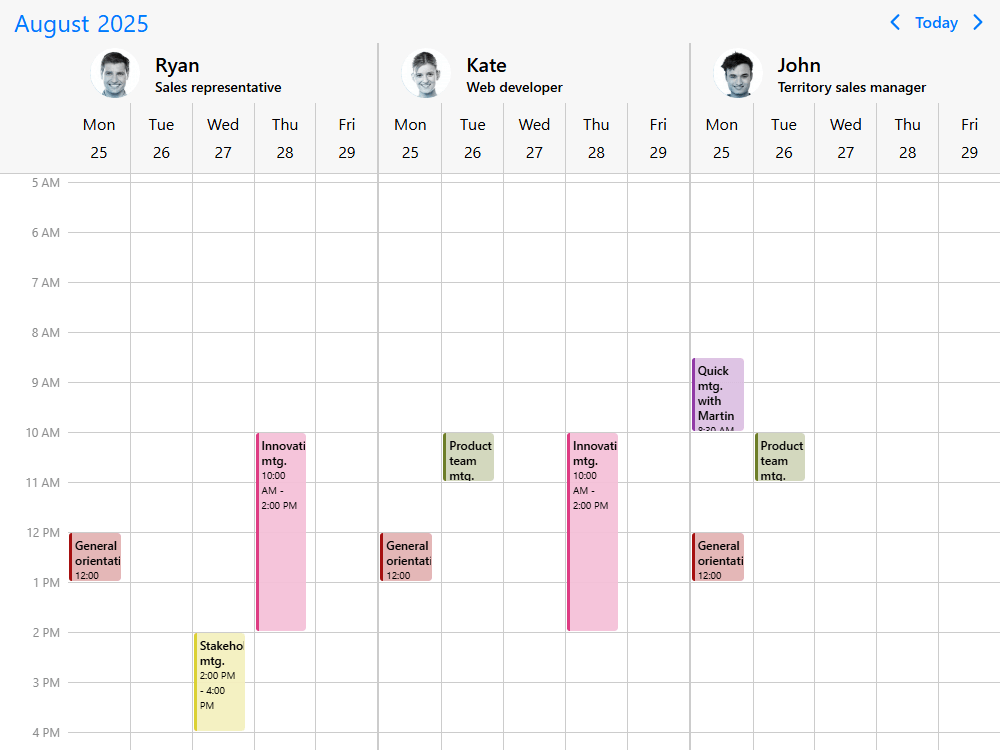
    Schedule people, rooms or equipment side by side. Assign one event to several resources and keep it connected to the same underlying event data.

  • Control over interactions

    Enable event creation, moving and resizing where they belong in your workflow. Set restrictions by event or resource and connect interactions to your application's rules.

  • AI-ready developer tooling

    Use the Mobiscroll MCP server, coding-agent skills and AI-readable documentation to give AI coding assistants accurate Scheduler API context for your framework.

Getting started

Install the Mobiscroll CLI once, then configure the JavaScript package in your project. The CLI sets up access to Mobiscroll's private npm registry and installs the package.

Terminal
npm install -g @mobiscroll/cli
mobiscroll config javascript

Add a <div id="scheduler"></div> to your page. In a bundled JavaScript application, import the Scheduler initializer and styles:

JS
import { eventcalendar } from '@mobiscroll/javascript';
import '@mobiscroll/javascript/dist/css/mobiscroll.min.css';

const today = new Date();
const at = (hour) => new Date(today.getFullYear(), today.getMonth(), today.getDate(), hour);

eventcalendar('#scheduler', {
  view: { scheduler: { type: 'week', startTime: '08:00', endTime: '18:00' } },
  resources: [{ id: 1, name: 'Alex' }, { id: 2, name: 'Jordan' }],
  data: [
    { id: 1, title: 'Site visit', start: at(10), end: at(11), resource: 1 },
    { id: 2, title: 'Team meeting', start: at(13), end: at(14), resource: [1, 2] }
  ],
  dragToCreate: true,
  dragToMove: true,
  dragToResize: true
});

For a plain HTML page, no CLI or bundler is required: include the downloaded JavaScript and CSS files, then call mobiscroll.eventcalendar() from a script instead of importing eventcalendar. See the JavaScript installation guide and Scheduler documentation.

If you want a different starting point, explore the Scheduler demos below. Open any example to inspect its implementation and use it as the basis for your own project.

Browse the demos

What you can build with the Scheduler

The Scheduler is a UI toolset for building appointment booking, workforce scheduling, dispatch and resource planning experiences. Start with the interactions your users need, then combine resource views, event editing, constraints and custom content to match your application's workflow.

Appointment booking & availability

Build appointment schedulers with providers, services or rooms as resources. Show available and blocked times, place appointments on the time grid and configure rules that prevent overlapping bookings in the interface (appointment scheduling, provider availability, overlap restrictions). Useful for healthcare, care services and other booking products.

Workforce & shift planning

Build shift planners and staff rosters with employees or teams as resources. Display overnight shifts, time off and breaks, and let planners adjust assignments directly on the schedule (24-hour shift planning, blocked time and breaks). Useful for workforce platforms and operational planning applications.

Job scheduling & dispatch

Build a dispatch board for jobs, work orders, technicians or equipment. Drag unscheduled work into the time grid, assign resources to existing events and show travel or preparation buffers (unscheduled tasks, resource assignments, event buffers). Useful for field service, maintenance and inspection software.

Resource & asset planning

Build reservation and allocation views for meeting rooms, equipment, facilities or other shared assets. Display resources side by side, group by date or resource, and let users filter which resources are visible (resource columns, resource grouping, resource filtering). Useful for resource booking and facilities applications.

Class, lesson & event scheduling

Build schedules for classes, training sessions or other recurring activities. Assign the same event to multiple resources, such as an instructor and an aircraft, and manage recurring sessions (shared resource events, recurring sessions). Useful for education, training and recreation products.
Scheduler capabilities

Configure what the schedule shows, how users interact with events and resources, and how the component connects to your data. The Scheduler provides reusable interface capabilities while leaving room for the application-specific workflows and rules that make your product distinct.

  • Day, week and month scheduling views

    Display a daily, weekly or monthly time grid, or show a custom span of days or weeks (multiple days and weeks, custom date range). Configure working days, visible hours, time intervals and labels to fit a shift planner, appointment calendar or dispatch board (visible days and hours, workweek hours).

  • Calendar combinations and navigation

    Combine the Scheduler with a month calendar in the same Eventcalendar instance, or use an adjacent calendar to navigate the schedule (combined calendar and Scheduler views, navigation from another calendar). Switch among calendar, scheduler and agenda layouts or add an event-search sidebar (switching views, searching events).

  • Resources and shared events

    Display people, rooms and equipment as resource columns, grouped by resource or by date (resource scheduling, grouping options). A single event can appear under several assigned resources while still representing one event in your data. Resources can also be added, removed and filtered as the application runs (events shared across resources, dynamic resource filtering).

  • Drag and drop and event editing

    Create events from the time grid, move them to another time or resource, and resize their duration by dragging (create and edit events). Control whether moving or resizing is allowed for an event or resource, and bring work into the schedule from a list outside it (conditional interaction rules, external drag and drop).

  • Blocked times and scheduling restrictions

    Mark weekends, unavailable hours, breaks and other blocked ranges. Configure restrictions for overlapping events or scheduling in the past, and show time buffers before or after a booking (blocked times, prevent overlapping events, past-event restrictions, buffers). Your application can also use event callbacks to apply its own validation when changes are saved.

  • Recurring events and exceptions

    Show events that repeat daily, weekly, monthly or yearly, including moved or removed occurrences (recurring events). Build recurrence editing into your event forms when users need to change a whole series or an individual occurrence (recurrence editing).

  • Custom event and resource rendering

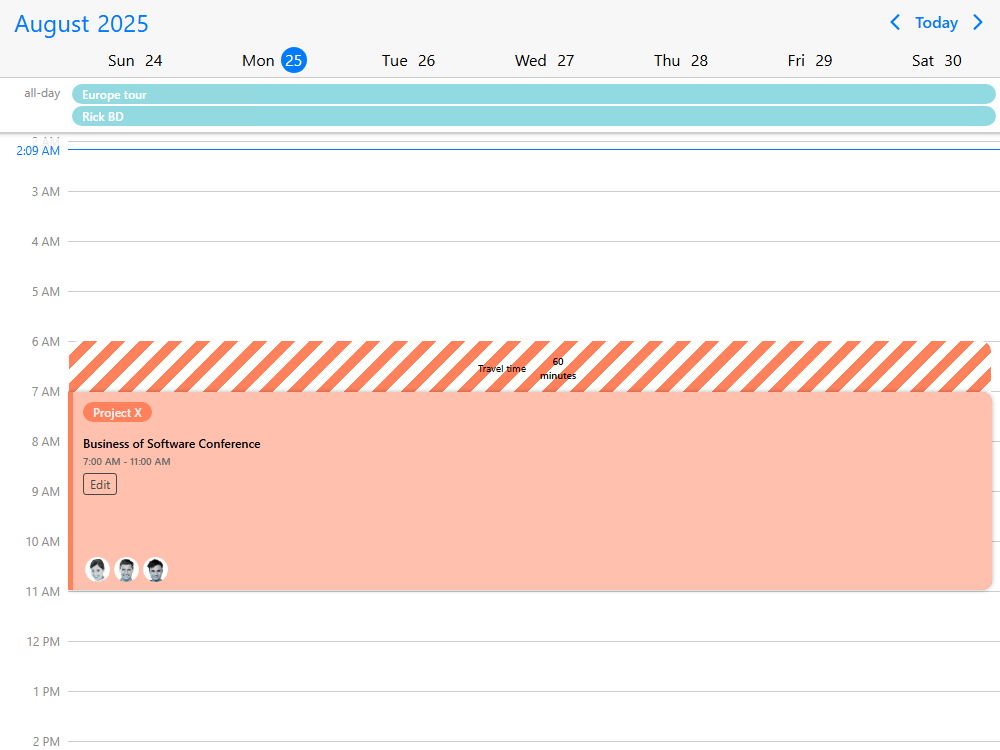
    Use templates to show the details your users need inside events and resource headers, such as names, statuses or additional metadata (custom event content, resource header templates). This lets you adapt the schedule to your application's domain without replacing the underlying time-grid interactions.

  • Load events from your own APIs

    Pass event data directly, load it from a remote API, or fetch the visible range on demand as users navigate and scroll (inline event data, remote API data, on-demand loading, loading during scroll). Virtualized rendering supports schedules with large data sets and many resources (large scheduling data sets).

  • Time zones and localization

    Display events in a selected time zone or show several time zones beside the time grid using the supported time zone plugins (time zone configuration, multiple displayed time zones). Configure localized date formats and labels, right-to-left layouts, and Gregorian, Jalali or Hijri calendars (localization, calendar systems).

  • Responsive layout and touch interaction

    Adapt the view to available space, for example by showing a day schedule on a phone and a week schedule on desktop (responsive scheduler, mobile day view, desktop week view). The Scheduler supports touch interactions as well as desktop mouse interaction.

  • Accessibility and keyboard support

    Keyboard users can navigate to events and controls, while WAI-ARIA roles and labels provide information to assistive technology (Scheduler keyboard accessibility). Mobiscroll documents its level of support for WCAG 2.2 A and AA criteria; see the accessibility documentation for qualifications and application-level considerations.

  • Themes and printing

    Choose iOS, Material or Windows styling with light and dark themes (built-in themes). Print the current scheduling view using the print module, available according to your license (printing the schedule).

AI Tooling

Mobiscroll provides AI Tooling for developers who use coding assistants to build scheduling interfaces. It includes a hosted MCP server with version-specific API information, framework-aware coding guidance, and machine-readable documentation and examples. This gives an assistant a reliable place to check Scheduler options and event APIs as you adapt a working example to your application.

In plain JavaScript projects, use the JavaScript-specific AI guidance to generate mobiscroll.eventcalendar() initialization, resource data, callbacks and Scheduler view configuration without introducing a frontend framework. A useful starting request is: "Build a JavaScript Scheduler with technicians as resources and jobs that can move between them. Use Mobiscroll's current API and show where my data API connects."

Claude Code and Codex can use the Mobiscroll plugin with its UI skills and bundled MCP connection. Cursor and GitHub Copilot use framework-specific instruction files and can optionally connect to the same MCP server for live API lookups. The AI Tooling setup guide explains the supported setup for each assistant.

Mobiscroll also publishes AI-readable documentation and Markdown versions of Scheduler demos with their code and implementation details. They give developers and AI tools source material for understanding and adapting examples; they do not replace testing your application's behavior.

AI Tooling setup guide

Scheduler demos

Explore working JavaScript Scheduler demos covering resource planning, drag and drop, recurring events, time-grid layouts, custom rendering and data integration.

Each example shows a specific implementation pattern and includes source code you can inspect. Start with the demo closest to your use case, then adapt its resources, events and interaction settings. The gallery below contains the complete set of Scheduler examples for this framework.

Configuring the view

Your data and external calendars

The Scheduler is an interface component: you provide the events and resources from your application's data. It works independently of any external calendar service.

Need to connect your users' calendars? Mobiscroll Connect provides a separate calendar connectivity layer for Google Calendar, Outlook, Apple Calendar and CalDAV, with authentication, normalized data and calendar synchronization. Mobiscroll Connect is sold separately and is not required to use the Scheduler.

Explore Mobiscroll Connect

Frequently asked questions

What is the Mobiscroll Scheduler?

The Mobiscroll Scheduler displays events across a vertical time scale, optionally grouped by people, rooms, equipment or other resources. It is configured through the Mobiscroll Eventcalendar API. Developers can configure the views, event interactions and rendering to build a scheduling interface inside their own applications.

Does Mobiscroll Scheduler include a scheduling backend?

No. Mobiscroll provides the scheduling interface, event and resource views, drag-and-drop interactions and UI configuration. Your application remains in control of data storage, permissions, business rules and any server-side scheduling logic.

Can I use my own API and database?

Yes. You can pass events and resources from your existing data sources, load events from a remote API and respond to changes through event callbacks (remote API example, on-demand event loading).

Can one event be assigned to more than one resource?

Yes. An event can reference several resources and appear in each of their Scheduler columns. The event remains one item in your event data (shared events example).

Can the Scheduler prevent overlapping events?

You can configure blocked or invalid times and interaction rules to restrict overlapping events in the UI (prevent overlapping events). If your application accepts bookings from several users or systems, it should also validate availability when saving.

Can I combine the Scheduler with a calendar?

Yes. The Scheduler is a layout of the Eventcalendar component, so a single instance can combine a Scheduler with a calendar, or a separate calendar can control the Scheduler's selected date (combining views, external calendar navigation).

Does the Scheduler work on mobile?

Yes. You can configure responsive views for phones, tablets and desktops, such as a day view on smaller screens and a week view on larger screens (responsive Scheduler example). It supports touch interaction and major mobile and desktop browsers.

Is the Scheduler accessible?

Mobiscroll supports keyboard navigation, WAI-ARIA labels and screen readers, and its components are largely aligned with WCAG 2.2 A and AA. Full AA compliance is not claimed. Drag-and-drop actions need an accessible alternative supplied by the application, such as an add or edit dialog; the accessibility and WCAG documentation describes supported criteria and current limitations.

Is the Mobiscroll Scheduler free or open source?

No. The Scheduler is commercially licensed, with a free trial for evaluation. Internal-project licenses and licenses for software delivered to multiple customers have different terms; see Mobiscroll pricing.

Can I install Mobiscroll from the public npm registry?

No. Mobiscroll packages are distributed through Mobiscroll's private npm registry. The Mobiscroll CLI configures access and installs the framework package; see the framework-specific installation guide in Getting started above.

Can AI coding assistants build with the Scheduler?

Yes. Mobiscroll provides a version-aware MCP server, framework-specific agent guidance and AI-readable documentation. Claude Code, Codex, Cursor and GitHub Copilot have supported setup paths in the AI Tooling guide. Generated code should still be tested against the application's requirements.

Do I need Mobiscroll Connect to use the Scheduler?

No. The Scheduler works with your own event and resource data. Mobiscroll Connect is a separate product, sold separately, for applications that need to connect users' Google, Outlook, Apple Calendar or CalDAV accounts.

Can I use the Scheduler in a SaaS product?

Yes. Mobiscroll offers Calendaring for SaaS licensing for products delivered to multiple customers, distinct from internal-project licensing. See pricing and license options.

Can I migrate from FullCalendar, Bryntum or DHTMLX?

Step-by-step migration guides cover how to map event data, component options and integrations to Mobiscroll: FullCalendar migration, Bryntum migration and DHTMLX migration.

Can I use the Scheduler without a framework or build tool?

Yes. Download the JavaScript package and include its CSS and JavaScript files on a plain HTML page, then initialize mobiscroll.eventcalendar(). A build tool and CLI are not required for that path (plain JavaScript installation).

Licensing

The Scheduler is part of Mobiscroll UI. For an application used within your organization, choose an internal-project license; for software supplied to multiple customers, explore Calendaring for SaaS. Features and add-ons vary by license, including the print module. Compare Mobiscroll UI licenses.

Ready to build your scheduling interface?

Start with a working Scheduler example, try Mobiscroll in your application, or use the AI Tooling guide to help your coding assistant adapt an example. You can also explore more demos and the Scheduler documentation whenever you need a specific API detail.

Using a framework?

Duplicate Session

You have signed in on a different machine. To keep everything in sync, you have been signed out of this session.

If you need to invite team members, manage seats and accounts you can do it from the licenses page.

Duplicate Session

We noticed you are logged in on a different machine and have closed your old session.

If you need to invite team members, manage seats and accounts you can do it from the licenses page.