Limit Overlapping Events
The scheduler renders all concurrent (overlapping) events by default, and the available horizontal space will be divided between them. When there are a lot of concurrent events, displaying all of them isn't always helpful.
A maximum number of concurrent events can be set by passing a number to the maxEventStack property of the view.scheduler option.
Alternatively maxEventStack: 'auto' can also be set, in this case the value will be determined automatically, based on the available horizontal space. It's poosible to also set a minimum event width, using the minEvenWidth property of the view.scheduler option. If not specified, it defaults to 50px;
Demo
<mbsc-eventcalendar
[view]="{
scheduler: {
maxEventStack: 3 ,
type: 'week '
}
}">
</mbsc-eventcalendar>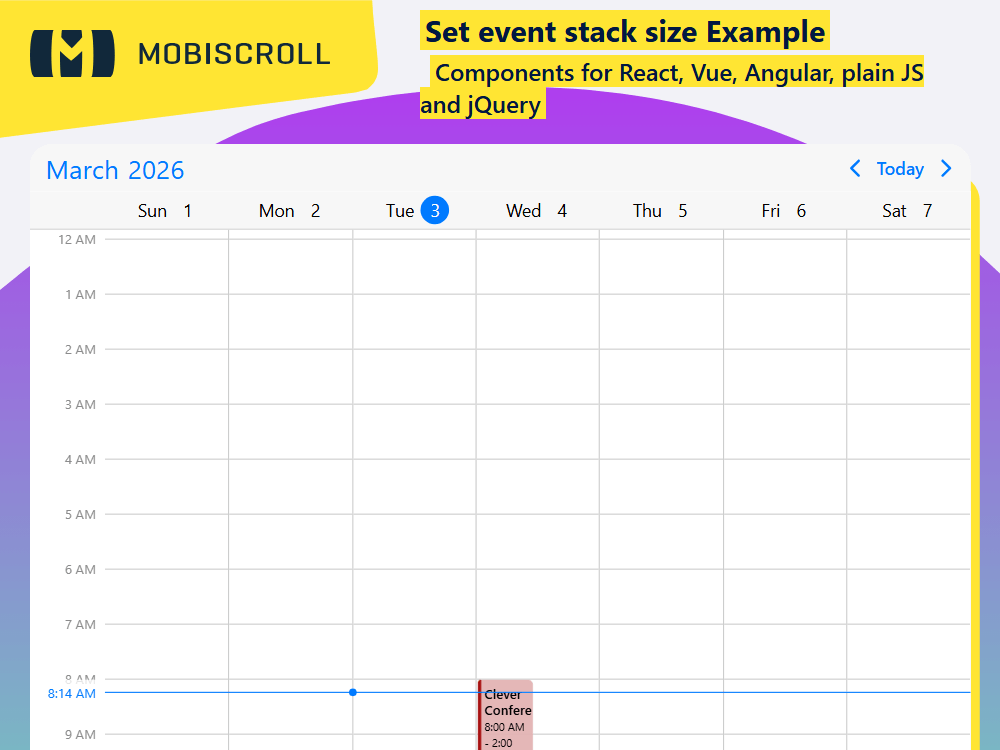
ComponentTemplate
import { CommonModule } from '@angular/common';
import { Component } from '@angular/core';
import { MbscCalendarEvent, MbscEventcalendarView, MbscModule, setOptions  } from '@mobiscroll/angular';

setOptions({
  locale:  ,
  theme: ' ',
  themeVariant: ' '
});

const now = new Date();
const year = now.getFullYear();
const month = now.getMonth();
const day = now.getDate();

@Component({
  selector: 'app-root',
  templateUrl: './app.component.html',
  standalone: true,
  imports: [CommonModule, MbscModule],
})
export class AppComponent {
  myEvents: MbscCalendarEvent[] = [
    { title: 'Employment (Semi-weekly)', start: '09:30', end: '11:00', recurring: 'FREQ=WEEKLY;BYDAY=WE', color: '#228c73' },
    { title: 'Product team mtg.', start: '10:00', end: '12:00', recurring: 'FREQ=WEEKLY;BYDAY=FR', color: '#913aa7' },
    { title: 'Football training.', start: '20:00', end: '22:00', recurring: 'FREQ=WEEKLY;BYDAY=MO,TH', color: '#37bbe4' },

    { title: 'Webinar', start: new Date(year, month, day - 1, 14), end: new Date(year, month, day - 1, 18), color: '#43be5f' },
    { title: 'Solution Brainstorm', start: new Date(year, month, day - 1, 16), end: new Date(year, month, day - 1, 20), color: '#7456ca' },
    { title: 'Pizza Night', start: new Date(year, month, day - 1, 17), end: new Date(year, month, day - 1, 19), color: '#d7be0d' },

    { title: 'Status update meeting', start: new Date(year, month, day, 10), end: new Date(year, month, day, 14), color: '#00aabb' },
    { title: 'Friends binge marathon', start: new Date(year, month, day, 10), end: new Date(year, month, day, 16), color: '#7bde83' },
    { title: 'Mtg. with Martin', start: new Date(year, month, day, 11), end: new Date(year, month, day, 14), color: '#de3d83' },
    { title: 'Road-to-Success Workshop', start: new Date(year, month, day, 12), end: new Date(year, month, day, 18), color: '#d64646' },
    { title: 'Luke BD', start: new Date(year, month, day, 19), end: new Date(year, month, day, 23), color: '#37bbe4' },

    { title: 'Clever Conference', start: new Date(year, month, day + 1, 8), end: new Date(year, month, day + 1, 14), color: '#a71111' },
    { title: 'Board Meeting', start: new Date(year, month, day + 1, 12), end: new Date(year, month, day + 1, 16), color: '#cfc014' },
    { title: 'Stakeholder mtg.', start: new Date(year, month, day + 1, 14), end: new Date(year, month, day + 1, 18), color: '#a144f6' },
  ];

  myView: MbscEventcalendarView = {
    scheduler: {
      allDay: false,
      maxEventStack: 2,
      type: 'week',
    },
  };
}