Custom Date Range View
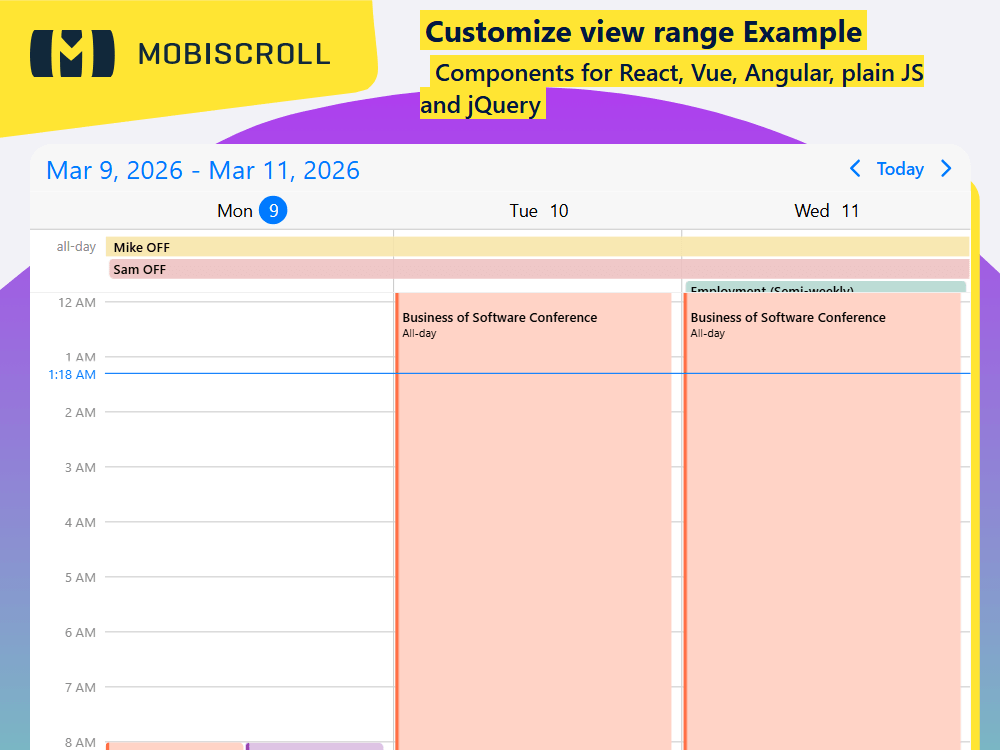
The scheduler has three types: day, week and month. Use the size property of the configuration object to set the length of the range.
Multiples of days, weeks and months are supported. The reference date, controlled through the refDate option, is today by default, but it can be set to any date, like the first day of the month, or the first day of the year. The refDate serves as the start of the reference range. From that point on you can navigate forward and backward.
A couple of examples:
- Rolling two weeks - use
type: 'day'andsize: 14 - Rolling ten days - use
type: 'day'andsize: 10 - Two weeks (starting with Sun/Mon) - use
type: 'week'andsize: 2 - Quarter view, starting from January - use
type: 'month'andsize: 3withrefDate: '2021-01-01' - Rolling three months - use
type: 'month'andsize: 3 - Year view - use
type: 'month'andsize: 12withrefDate: '2021-01-01'
Demo
Configure the page size
Display
Display
Display
If unset, the initial view date is today
If unset, the reference date is today
If unset, the reference date is today
mobiscroll.eventcalendar('#calendar', {
view: {
scheduler: {
type: 'day ',
size: 15
}
},
refDate: ' ,
selectedDate: '
});
JSHTML
mobiscroll.setOptions({
  locale:  ,
  theme: ' ',
  themeVariant: ' '
});

var calendar = mobiscroll.eventcalendar('#demo-display-multiple-days-weeks-months', {
  clickToCreate:  ,
  dragToCreate:  ,
  dragToMove:  ,
  dragToResize:  ,
  eventDelete:  ,
  view: {
    scheduler: {
      type: 'week',
      size: 2,
    },
  },
});

mobiscroll.getJson(
  'https://trial.mobiscroll.com/events/?vers=5',
  function (events) {
    calendar.setEvents(events);
  },
  'jsonp',
);
<div id="demo-display-multiple-days-weeks-months"></div>